
Professional Radio Hosting Solutions by Online Audience
Welcome to the exciting world of online radio broadcasting! At Online Audience, we understand that launching your station can feel like a monumental task. That’s why we’re thrilled to introduce our comprehensive guide series, designed specifically to help you master SonicPanel – the industry-leading radio hosting control panel.
This is your definitive SonicPanel Quick-Start guide, meticulously crafted by the experts at Online Audience to get you up and running in under 10 minutes. Get ready to transform your passion into a powerful presence with Online Audience and SonicPanel!
Your journey with SonicPanel begins with a simple login. As an Online Audience client, you’ll receive your unique SonicPanel credentials via email immediately after activation.
The SonicPanel dashboard is your command center. At Online Audience, we prioritize clarity, and the SonicPanel layout provides exactly that.
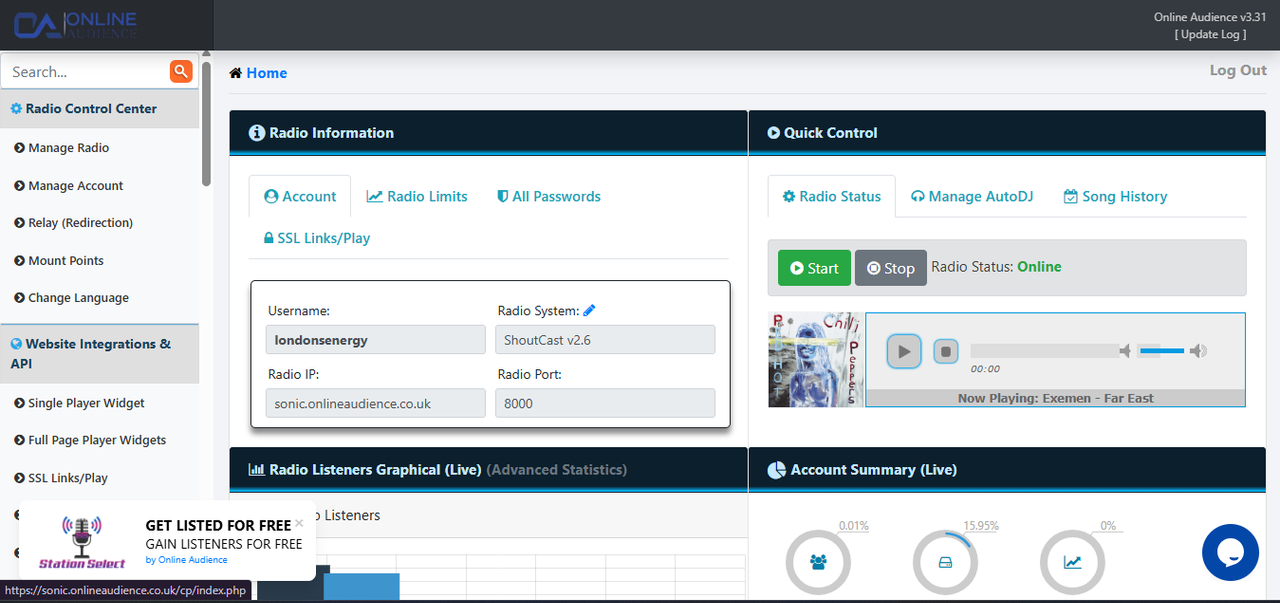
Key areas to watch include Server Status (ensure it’s green!), Listener Count (watch your Online Audience grow!), and the AutoDJ Status.
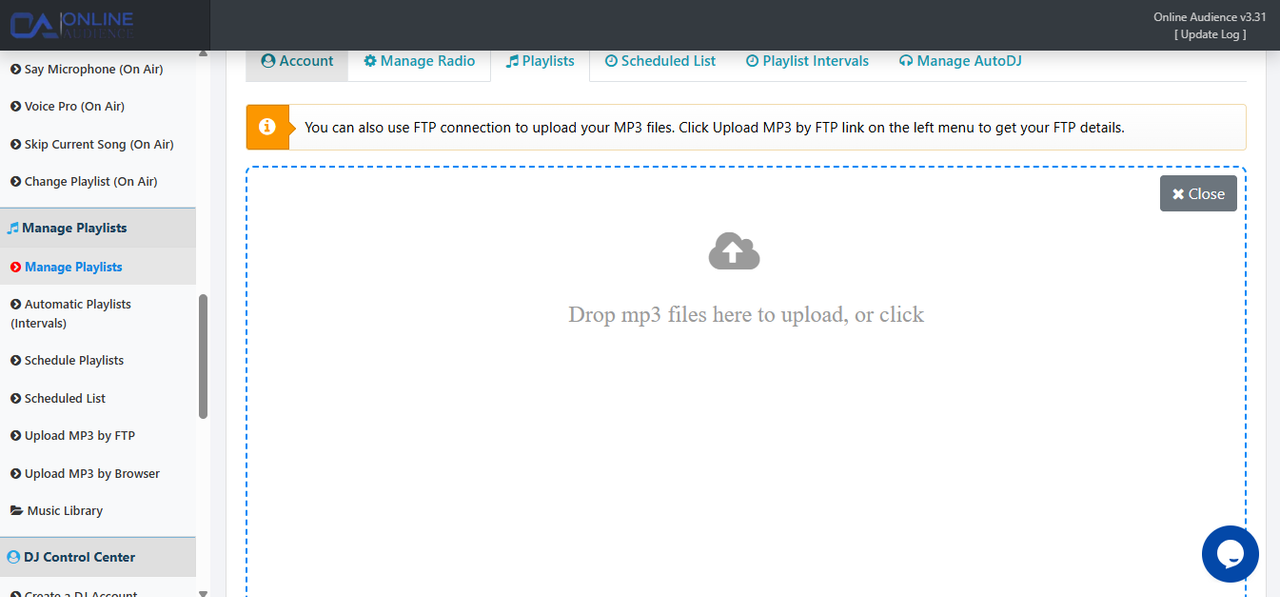
AutoDJ allows your station to broadcast 24/7. This ensures your Online Audience always has something to listen to, even when you aren’t at the microphone.
Modern web security is non-negotiable. To reach your Online Audience on Chrome, Safari, or mobile devices, you must use an SSL link. SonicPanel makes this easy by providing a dedicated HTTPS stream URL.
Always use the SSL link when embedding players on your website to ensure 100% compatibility for your Online Audience.
You’ve completed the basics, but our team is always here to assist if you hit a snag or want to scale your station.