
Managing Playlists & Rotations with Online Audience & SonicPanel
In our first guide, we got your SonicPanel server live. Now, it is time to stop thinking like a listener with a shuffle button and start thinking like a Program Director. At Online Audience, we know that the difference between a hobbyist stream and a professional radio station lies in the Architecture of the music rotation.
A professional Online Audience expects a flow. They expect variety, rhythm, and a mix that feels intentional. This guide will walk you through the advanced playlist management features of SonicPanel, ensuring your station sounds polished 24/7.
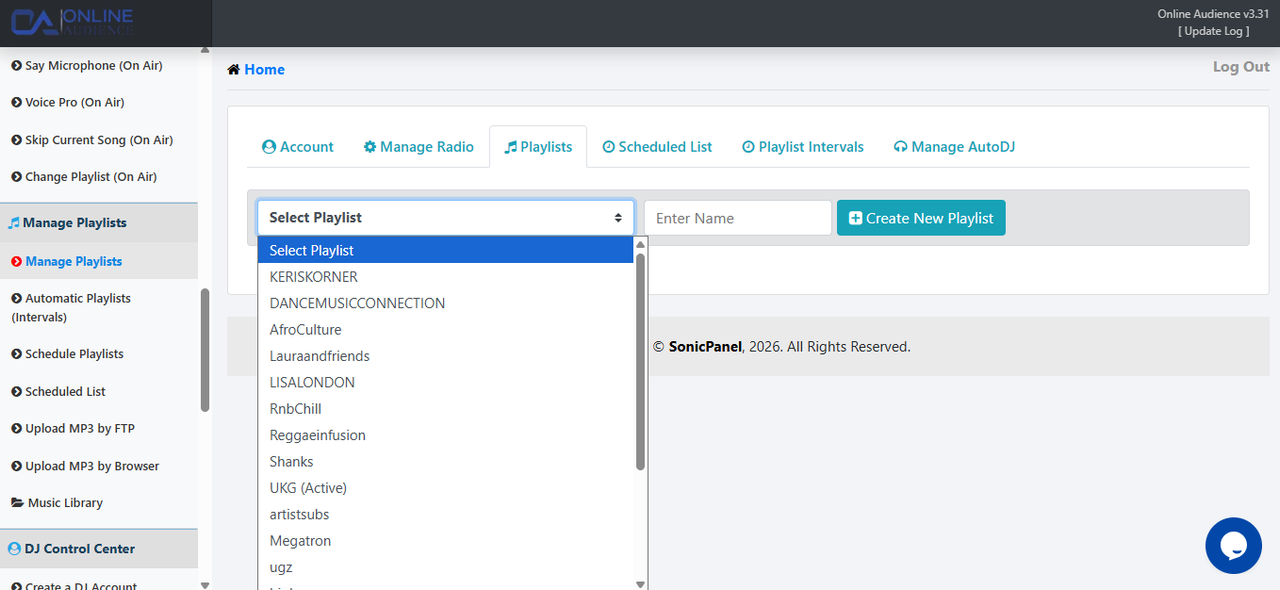
Before you create a single rotation, you need a structured library. SonicPanel allows you to manage files with ease, but the secret is in the folder naming. Online Audience recommends categorizing your music by energy or genre rather than just artist name.
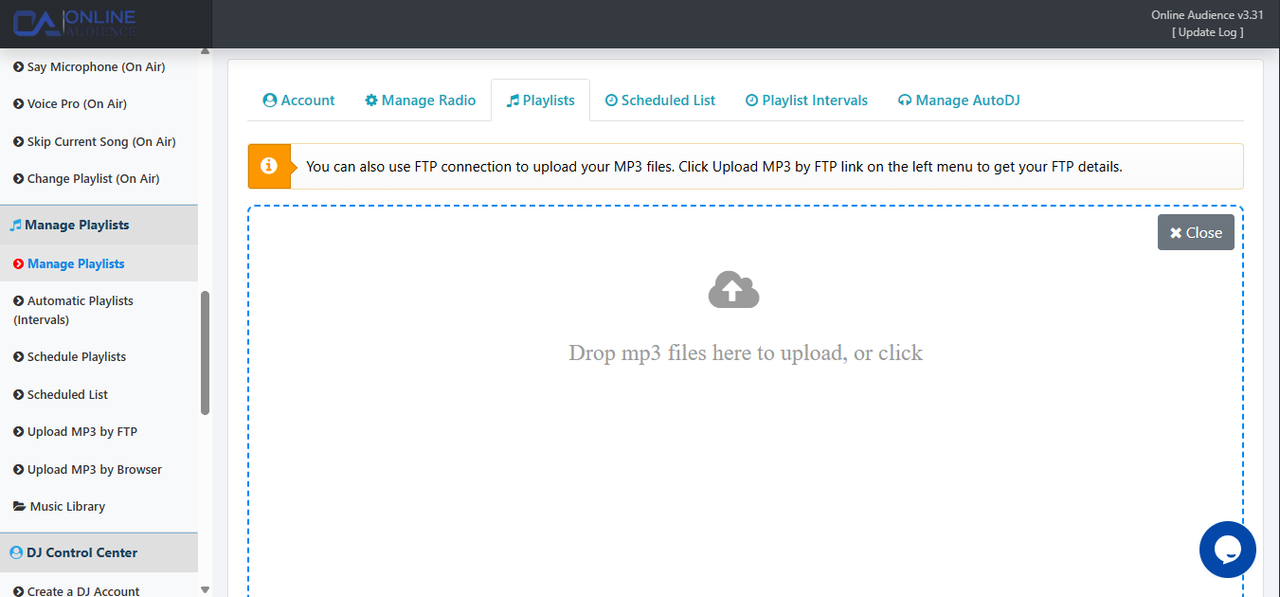
SonicPanel gives you multiple playlist types. Understanding which one to use is vital for a smooth broadcast for your Online Audience.
This is your everyday rotation. You can set these to play in a random order or a specific sequence. For a natural feel, Online Audience suggests using the “Random” setting.
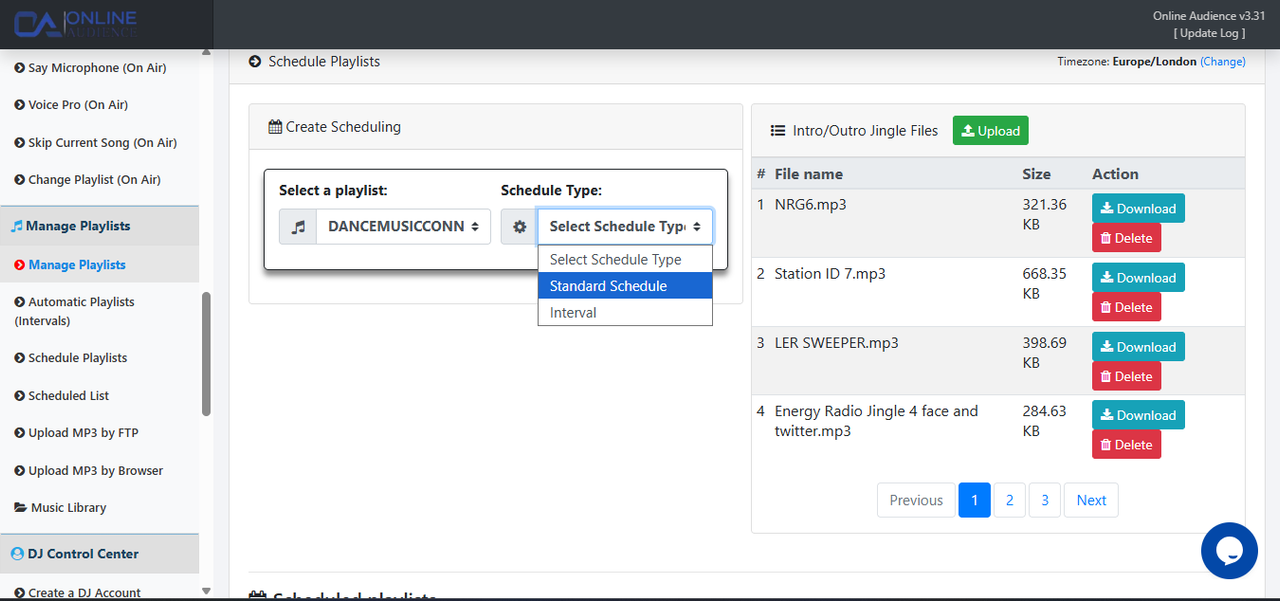
SonicPanel allows you to schedule specific playlists to take over the airwaves at exact times. This is how you build loyalty with your Online Audience—by giving them the content they expect at the right time.
A “Rotation” is the math behind your music. If you have 100 songs in your SonicPanel library, you want to keep it fresh for your Online Audience.
Once your architecture is built, you must audit it. Use the “Log” feature in SonicPanel to see exactly what has played over the last 24 hours. Does it look like a professional station?
Remember, Online Audience provides the robust server power, but you provide the creative soul. Together, we make your station the best it can be with SonicPanel.
Architecting your AutoDJ is a continuous process of refining and listening. If you need advanced tips on how to structure your specific genre, we are here to help.