
Fixing Common Connection & Audio Issues for Your Online Audience
There is nothing more stressful than being ready for a live show and realizing your encoder won’t connect. At Online Audience, we provide elite uptime, but local configuration errors can still disrupt your broadcast. This guide is your emergency manual for SonicPanel.
The first step in any fix is checking the internal logs. SonicPanel provides real-time feedback on why a connection might be failing.
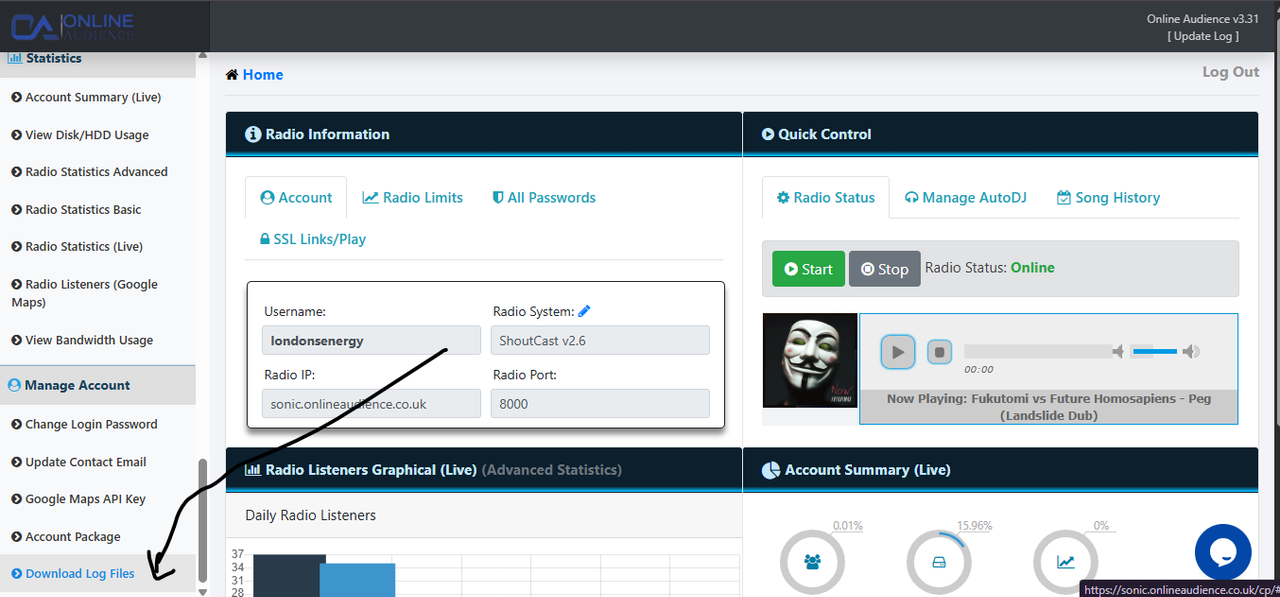
If your Online Audience reports the stream is skipping, it’s often a bitrate mismatch or a local upload bottleneck. Use the SonicPanel bandwidth charts to identify drops in your transmission data.
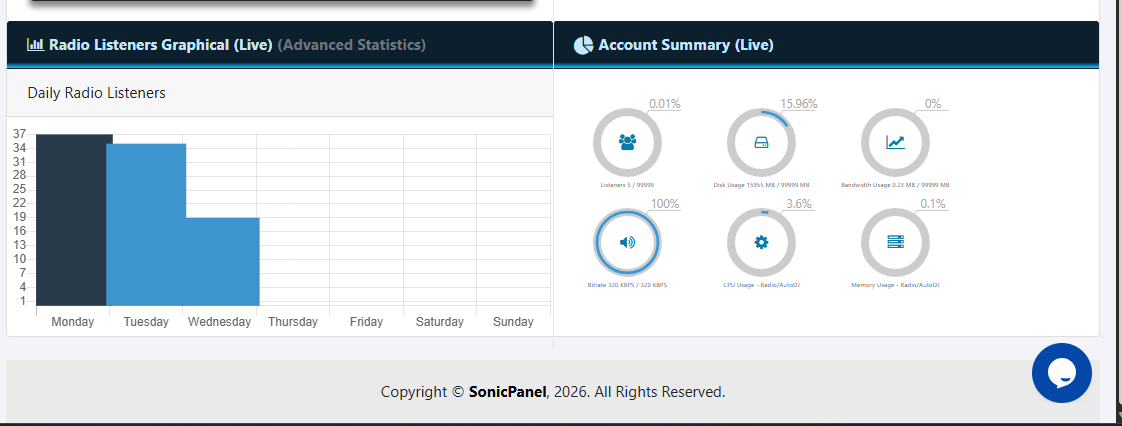
The Solution: Lower your encoder bitrate (e.g., from 320kbps to 128kbps) to provide a more stable stream for your Online Audience.
Sometimes, a live DJ disconnects incorrectly, leaving the SonicPanel “Source” stuck in limbo. This results in silence for your Online Audience even though the server says it’s online.
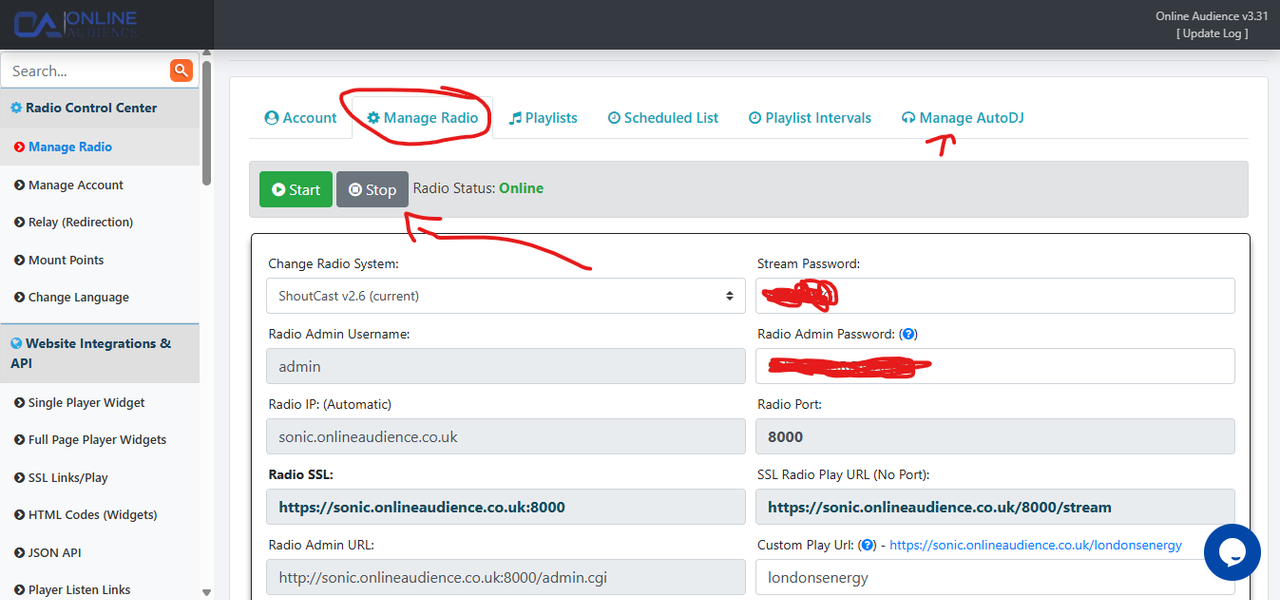
The Solution: Use the “Restart Service” or “Reload” buttons in your dashboard. This force-refreshes the SonicPanel engine and kicks the AutoDJ back into gear immediately.
If these steps don’t restore your connection to your Online Audience, our technical support team is standing by to dive into your server logs and get you back on the air.